Ambient Lighting for Mac · Open Source
Your screen, all the way to the wall.
Backglow reads the edges of your Mac's screen and sends their colors in real time to an LED strip behind your monitor. Movies, games and music videos feel bigger, and in a dark room the contrast with the bright screen is easier on the eyes.
For macOS 26 · Free under GPL-3.0 · In English and German
From pixel to LED in milliseconds
Everything runs locally on your Mac. Backglow never connects to the internet.
Capture the picture
ScreenCaptureKit delivers one display, without Backglow's own windows, at an adjustable resolution and frame rate.
Compute the zones
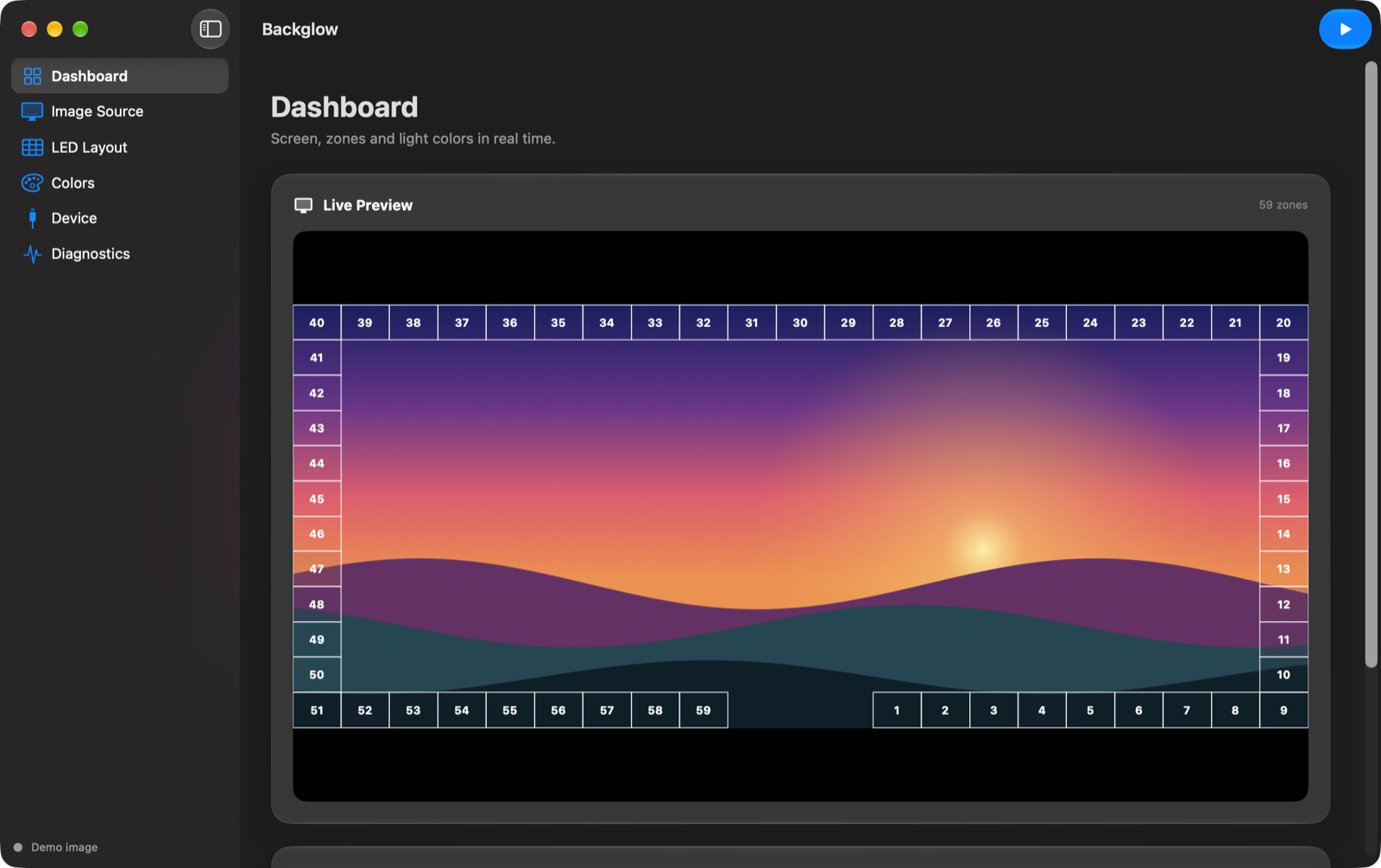
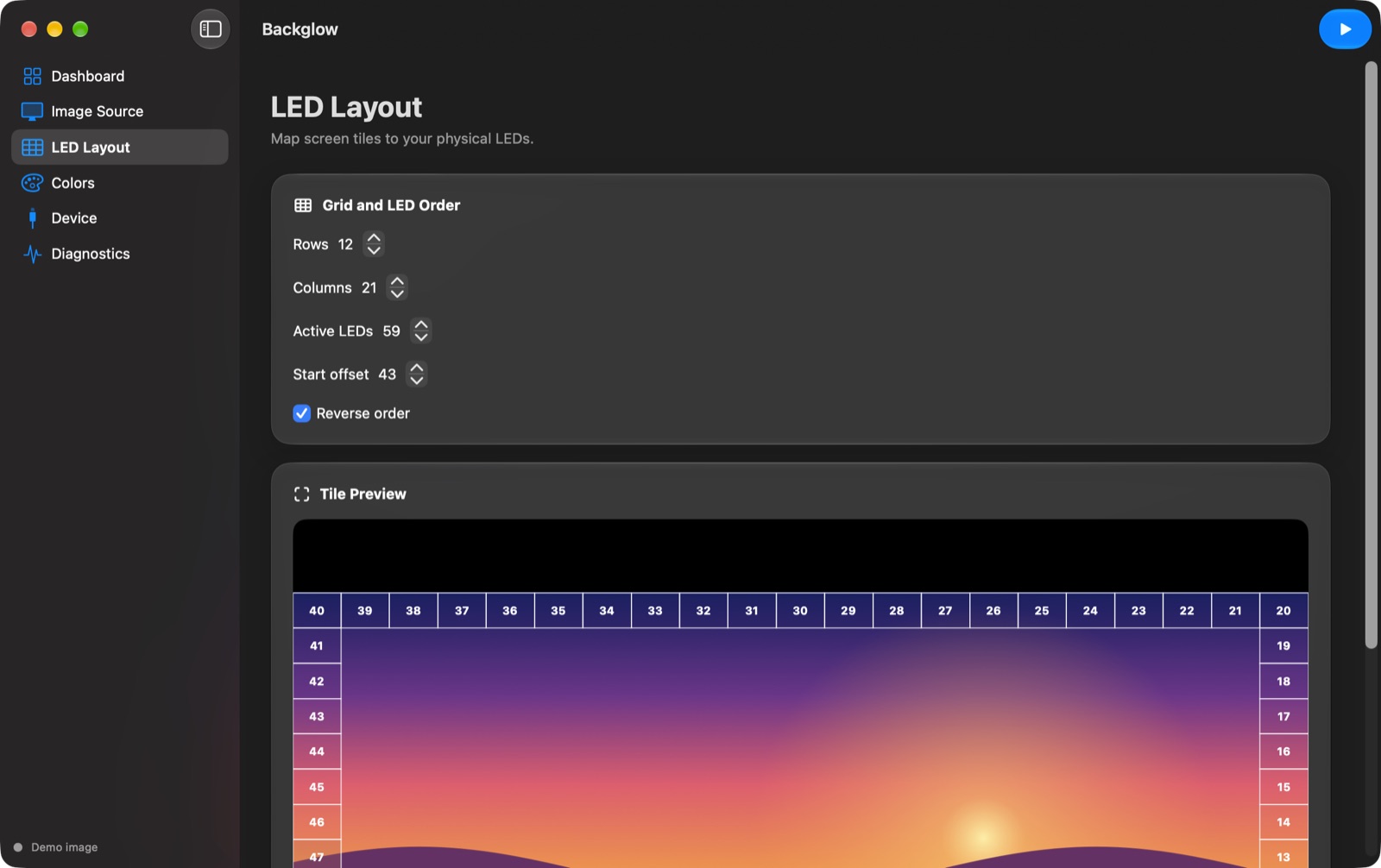
A Metal shader averages the edges on the GPU in linear light. One zone per LED, matching how your strip is laid out.
Send the light
Smoothed colors go over USB to an ESP32 or ESP8266 that drives the strip. Up to 60 frames per second.
Calm light, not a disco
The image processing follows the proven techniques of HyperHDR, rewritten for the Mac.
Live preview
See every zone with its number and calculated color before a strip is even connected.
Letterbox detection
Black bars are ignored, but only once they are stable. Dark scenes don't make the frame jump.
Smooth transitions
Spring smoothing on its own output clock and an anti-flicker filter prevent jitter and flicker.
Color calibration
Eight reference colors, color temperature, gamma and channel gains match your strip to your wall.
Backlight and power limit
A gentle base light for dark images and a ceiling that dims bright scenes evenly.
Profile on the controller
Save the LED layout and colors on the ESP; they load automatically the next time you connect.
What you need
Plus an evening of tinkering and a bit of solder.
- A Mac with macOS 26To build the app, also Xcode 26.
- An addressable LED stripWS2812B, stuck around the back of your monitor.
- An ESP32 or ESP8266The matching firmware is in the repository.
- A 5 V power supplySized for your number of LEDs, with a shared ground.
Pre-release, already in daily use
Backglow is being prepared for a first release. Until then, you build the app yourself with one command. Questions and bugs are welcome as issues on GitHub.